Key Technical Specifications
| Parameter Name | Parameter Value |
|---|---|
| Product Model | YS1700-000/A34 |
| Manufacturer | Yokogawa Electric |
| Communication Option | /A34 (Ethernet Modbus/TCP) |
| Processor Architecture | Dual CPU (Main + Display) |
| Internal Math Resolution | 1/65536 (PID and Operations) |
| Built-in Math Modules | 100+ (Exponential, Log, Temp/Pressure Comp) |
| Control Output Backup | Hard Manual Override (Standard) |
| Memory Backup | Non-volatile (No Battery Required) |
| Power Supply | AC/DC (100V/24V) or 220V AC |
| Display | Full-dot Semi-reflective Color LCD |
| I/O Accuracy | Voltage ±0.1%, Current ±0.2% |
| Configuration Software | YSS1000 Setting Software |
Product Introduction
When a critical single-loop controller dies on a boiler feedwater line, you don’t have time to troubleshoot a dead Ethernet port. The YOKOGAWA YS1700-000/A34 is the exact programmable controller I pull from the spare parts cabinet when a plant needs immediate, network-integrated loop control. Sitting in a compact, lightweight enclosure, this module handles complex cascade control and communicates flawlessly over Modbus/TCP to your host system.What makes this specific /A34 revision a lifesaver in the field is its bulletproof dual-CPU architecture. Even if the main control CPU takes a hit, the display CPU keeps running, and the independent “Hard Manual” circuit ensures you can still physically control the output valve. It boasts an internal PID resolution of 1/65536 and includes over 100 built-in math modules for temperature and pressure compensation. I’ll give you a fair warning: this card is packed with proprietary Yokogawa logic, so make sure your YSS1000 software is fully backed up before you start tweaking parameters.
Quality SOP & Tech Pitfalls (The Reality Check)
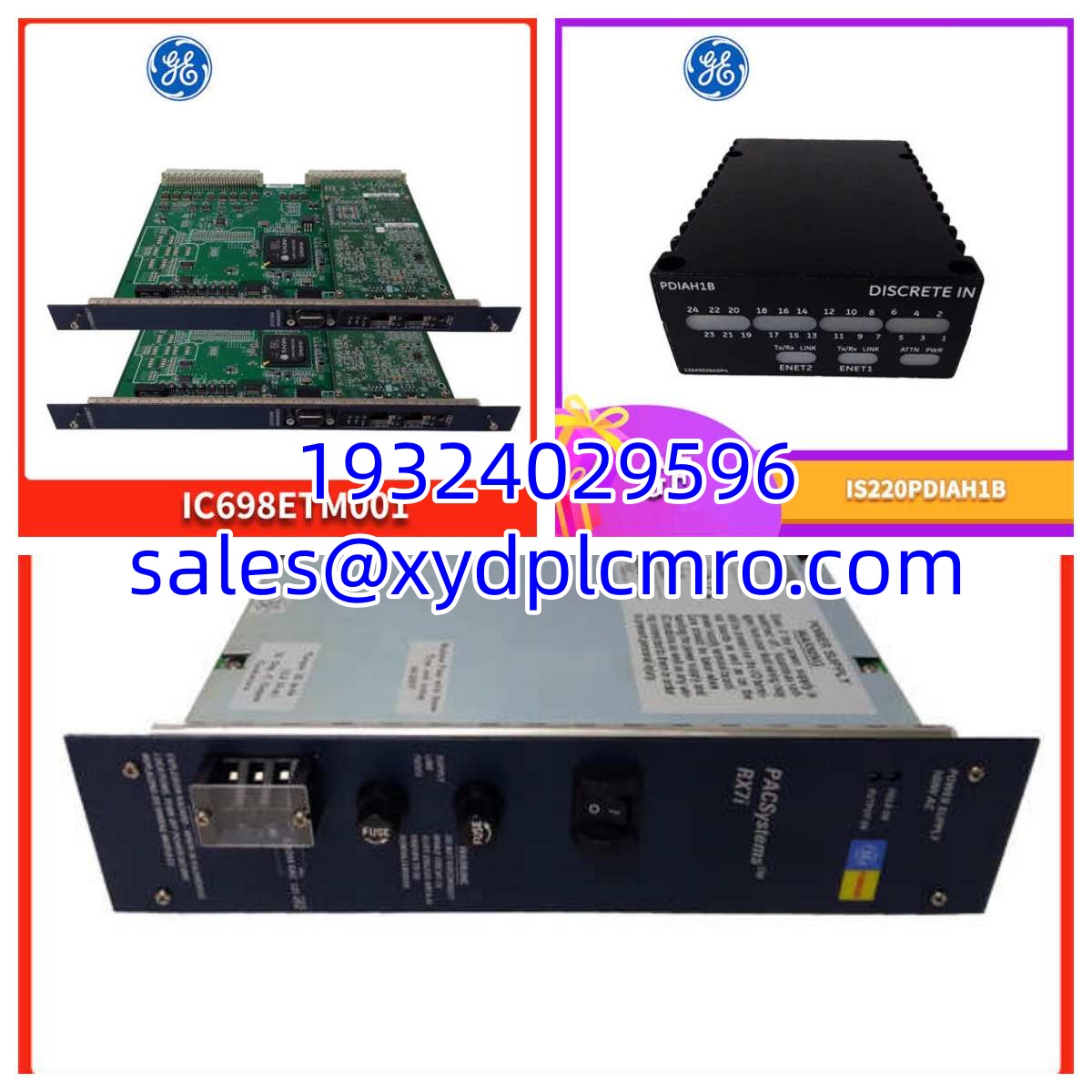
Before this YS1700-000/A34 leaves our bench, it goes through a strict validation protocol. We start with a visual counterfeit check, inspecting the Yokogawa silkscreen and verifying the /A34 Ethernet option sticker. Next, it goes onto a live YS1000 test bench. We don’t just check for power; we ping the Ethernet port, verify the Modbus/TCP handshake, and simulate a 4-20mA input to confirm the PID loop is calculating correctly. Finally, we log the firmware revision, perform an insulation resistance check, and seal it in an anti-static bag.Here is the brutal reality check: Do not mix up your communication options. The /A34 is strictly Ethernet Modbus/TCP. I once watched a tech install this expecting RS-485, spend two hours troubleshooting a network switch, and realize he needed the /A31 option instead. Also, watch your ESD. The Ethernet magnetics on these Yokogawa boards are highly susceptible to static discharge. If you don’t wear a grounding strap, you might install a dead card.
Installation & Configuration Guide
- Pre-Installation Prep: ⚠️ CRITICAL: Take a high-resolution photo of the existing module’s terminal wiring and DIP switches. Power down the control panel if required by your site safety LOTO (Lockout/Tagout) procedures.
- Safe Removal: Label all analog I/O and Ethernet cables. Depress the internal unit relaxation levers and slide the old YS1700 straight out. Never pry it from the edges.
- Hardware Configuration: Copy the DIP switch settings exactly. The YS1700 has selectable I/O Ethernet addresses and loop configurations. If you get this wrong, the YSS1000 software will not see the controller. Slide the new module into the panel cutout until it seats firmly against the backplane.
- Power-On & Verification: Restore 24V DC or AC power. Watch the front panel. The OK LED should stabilize. Open YSS1000 Setting Software and verify the Ethernet link LEDs illuminate. Download the existing configuration to the new controller.
Compatible Replacement Models
| Replacement Option | Model Number | Compatibility Notes |
|---|---|---|
| ✅ Drop-in Replacement | YS1700-000/A34 | 100% hardware and software match. Direct swap for existing YS1700 panels. |
| ⚠️ Software Compatible | YS1700-010/A34 | This is the version with built-in Expandable I/O. Same Ethernet comm, but requires adding the YS010 terminal box. |
| ❌ Hardware Mod Required | YS1700-000/A31 | This is the RS-485 variant. Requires completely different field wiring. Do not use unless upgrading your serial cabling. |
| ❌ Hardware Mod Required | YS1500-000/A34 | Indicating Controller (No User Programming). Lacks the advanced PID and math modules. Not recommended for complex loops. |
Frequently Asked Questions (FAQ)
Can I hot-swap this module while the panel is powered on?
Yes, the YS1000 series supports hot-swapping. However, I always recommend disconnecting the Ethernet and I/O wires first to prevent ground loop spikes from frying the transceiver, and you should be ready to re-download the configuration via YSS1000 immediately after insertion.Does this module control the machine trip relays?
Yes, it has built-in control outputs, but it also features an independent “Hard Manual” override circuit. If the CPU completely fails, the hard manual wheel allows the operator to physically force the output valve to a safe state without needing software.Why won’t YSS1000 connect to my new /A34 controller?
Check the Modbus/TCP IP address configuration and the physical Ethernet cabling. I’ve seen guys spend three hours troubleshooting a software driver issue when the IP address in the YSS1000 database didn’t match the physical network subnet.Does this controller require a battery for memory backup?
No. The YS1700 uses non-volatile memory. You will never have to replace a backup battery or capacitor, which eliminates a massive maintenance headache and extends the instrument’s lifespan.What does the Dual CPU architecture actually do?
It separates the control logic from the display logic. If the main CPU crashes due to a bad user program, the display CPU keeps showing the Process Variable (PV) and Setpoint (SV), and the hard manual circuit remains fully operational. It keeps the plant running while you troubleshoot.